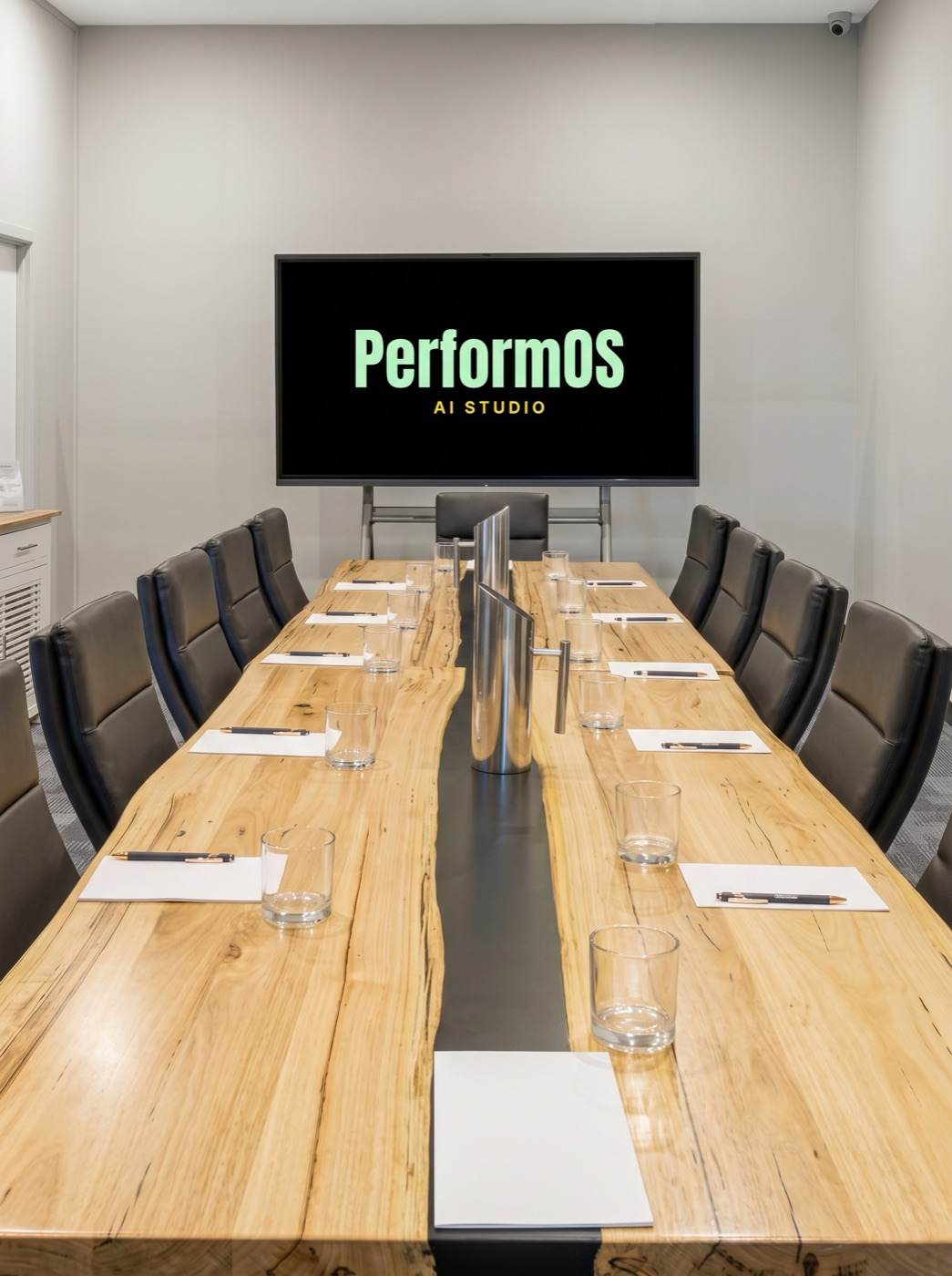
New dates coming soon10:30am to 2:30pmNorth Lakes HotelSold out
One day to get genuinely good with Claude Code and Codex, the two coding agents worth knowing. Not tips and tricks. The method: how to brief an agent, how to push back on it, how to get work out of it that used to take a team. No experience needed.
The day
Tap a block to see how it runs.
01 Set up properly
Install and first run. Claude Code and Codex installed and signed in, first prompt answered in each. Plans in one minute: what the Claude and ChatGPT plans actually get you.
The three surfaces. Claude chat, Cowork, and Claude Code. When to reach for which.
Claude Code or Codex. Same job, two tools. Where each one is stronger, and how to run both on the same project without a mess.
Permission modes. Ask-first as the default, auto-edit when you trust the job, and why bypass is for live builds only.
Workspace folders. You ask Claude Code to look at what you work on and it builds your folder structure, live.
02 The method
Briefing, not prompting. Context, constraints, iteration. One weak prompt and one strong brief against the same task, compared on screen.
CLAUDE.md and AGENTS.md. The files that teach Claude Code and Codex your standards once so you stop repeating yourself. You start yours in the room.
Plan Mode. Claude Code shows its plan before it touches anything, including how to reject a bad plan.
Daily commands. The four that matter, and why short focused sessions beat marathons.
03 Connect and protect
Connectors. You connect your email, calendar and files, then ask one question of your own inbox.
Protecting your data. What Claude Code and Codex can see, what they cannot, and what never goes in a prompt.
Back up from day one. The two-minute safety net that means nothing you build is ever lost.
04 Power features
Skills. Install one, then build one around a task you actually repeat. It goes home with you.
Connecting anything. What MCP is in one sentence, and when you would want a custom connector.
Costs and context. What things actually cost in both tools, picking the right model for the job, keeping sessions sharp.
05 The path onward
The map for Monday morning. What you now have set up, and which masterclass aims at which build: applications, websites, agents.
You leave with
A working method you can repeat on Monday morning, in Claude Code or Codex
Your tools connected, with skills, folders and data settings done properly
The prerequisite for all three masterclasses
The room
The private boardroom · North Lakes Hotel · 12 seats